This tutorial will show you how to turn a normal picture into a thermal image using Gradient Maps.
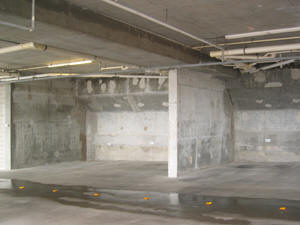
1. First open a picture:
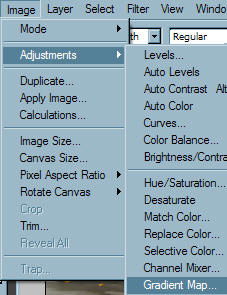
2. Gradient mapping is a form of image adjustment that replaces colors of an image with different colors from a gradient. To use a gradient map, go to Image > Adjustments > Gradient Map:
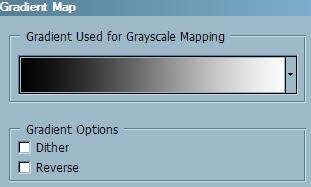
3. This will bring up the gradient map settings:
4. Now, click the arrow to the right of the current gradient selected, and select the one shown below:
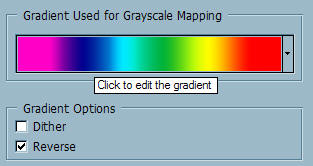
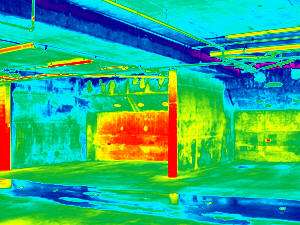
5. Click Ok, and your image should turn out like this:
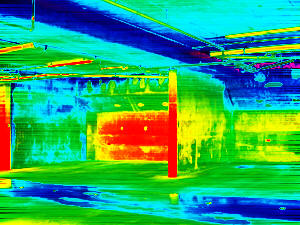
6. If you duplicate this layer, and apply a motion blur to it, you can also get some results that look similar to this:
Good Luck!
Read more: http://www.webdesign.org/photoshop/photo-editing/thermal-vision.8204.html#ixzz2sCXOXfYu